 Field & Home

The short answer: Paper clutter is mostly a system problem: create a 3-step intake, a 2-folder digital structure, and a 15-minute weekly processing habit to convert most incoming paper into searchable files within 30 days.
Why Paper Piles Start
Paper piles are the visible symptom of four common failures: unclear decisions, single-use paper flows, lack of a quick intake habit, and no reliable long-term storage. A typical household faces 20 to 100 incoming sheets per week: mail, receipts, school forms, warranties, and printed instructions. When a person intends to act but lacks a quick place to put that paper and a deadline for the decision, the item becomes a pile.
Most people mix transient items (receipts, single-use notes) with reference files (tax docs, warranties). That mismatch increases friction: a single sorting decision can take 30 to 90 seconds, multiplied across 50 items. The easiest fix is to separate intake from decisions: a labeled inbox for 2-3 days of collection, a short daily or weekly scan session, and preset retention rules that state exactly how long to keep each category.
Gathering supplies first is crucial. You will need a shallow tray or inbox (depth about 2 inches / 5 cm), three sorting folders labeled ACTION, ARCHIVE, and SHRED, and a small stack of envelopes for one-time items. Keep a dedicated scanner or scanning app on a phone ready. When you touch paper, decide in 15 seconds: scan, shred, file, or act. That time limit prevents indecision from creating piles.
Paper also accumulates because of emotional friction and unclear ownership. Assign one family member a 15-minute weekly role to empty the physical inbox and process the ACTION stack. Use a visible capacity rule—if the inbox exceeds 2 inches, perform a purge within 48 hours—to force timely decisions and prevent overflow.
Typical paper flow
Sheets, seconds, and trays that end piles.
Purge 2 hours in 25s
Twenty-five-minute blocks with 5-minute breaks chew a 500-page backlog at 30 pages a minute.
Three folders only
ACTION, ARCHIVE, SHRED plus a 15-minute weekly role keep intake under 2 to 3 days.
Digitize and Maintain Paper
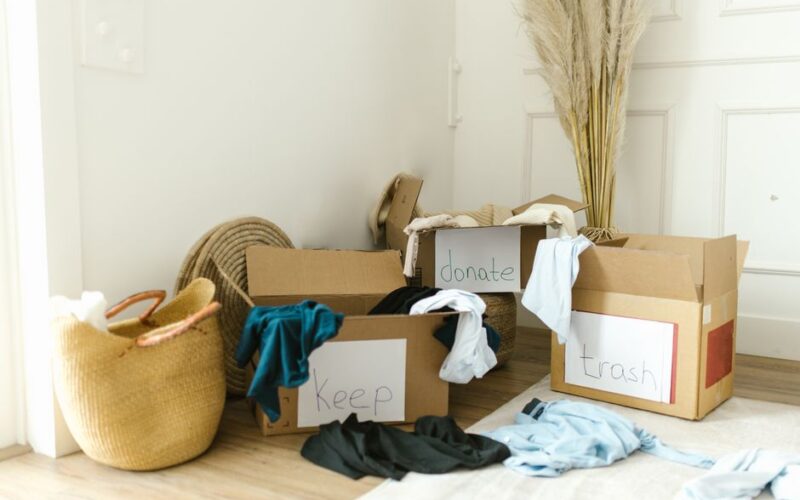
Start with a one-time purge: set aside 2 hours, and sort all visible piles into three stacks: keep to scan, shred, and recycle. Use a kitchen timer for 25-minute focused blocks and take a 5-minute break between blocks. For each ‘keep’ item, remove staples and paper clips so scanning feeds smoothly. A sheet-fed scanner handles 30 pages per minute; if you do this in batches of 100 pages you will finish a typical household backlog of 500 pages in about 20 minutes of scanning time plus sorting.
Set scanner settings to 300 dpi for documents you may need to print or archive long-term, and 150 dpi for receipts and grocery slips. Save long-term documents as PDF/A when possible; receipts can be single-page PDFs or JPEGs. Turn on OCR (optical character recognition) during scanning so files are searchable; OCR reduces lookup time by roughly 70 percent compared with image-only files.
Use a clear, consistent naming convention: start with YYYY-MM-DD, then category, then short description, for example 2026-09-01_tax-return_notice.pdf. Keep folder structure shallow: two top-level folders—REFERENCE and ACTION—then numbered or dated subfolders. Reference should contain current-year and archive-year folders, with an annual rollover task scheduled for 30 minutes on the first weekend of January.
Practical scanning workflow: (1) Prep a batch of 20 to 100 pages and test one page to confirm settings, (2) Scan with OCR and verify the first and last page, (3) Apply the YYYY-MM-DD_category_shortname filename, and (4) Move the file to the ACTION folder for final review within 7 days. Repeat until the batch is complete. Label batches with a sticky note showing the date and expected completion week to avoid rework.
Automate backups: keep the primary digital archive on a local NAS or a synced folder and a secondary backup in the cloud. Aim for 2 copies: one local and one offsite. If you scan 1,000 pages per year averaging 0.5 MB per page, expect about 500 MB of storage annually; a 1 TB drive will hold roughly 2,000 years at that rate, so storage space is rarely a limiting factor for home collections.
Decide a retention schedule with concrete timeframes. For example: receipts for returns and warranties, keep 1 year; tax documents, keep 7 years; legal records, keep permanently. Schedule a 15-minute weekly processing session where you clear the ACTION folder: file scanned items into reference folders, set calendar reminders for tasks tied to paperwork, and shred items slated for disposal. Doing 15 minutes weekly totals about 13 hours per year and prevents future backlogs.
Handling originals: for documents you must retain physically (certificates, certain legal papers), store them in labeled 11×8.5 inch archival folders in a locked, dry drawer. Maintain storage at roughly 40 to 50 percent relative humidity and 60 to 70°F when possible to protect paper over decades. If the document can be destroyed after scanning, shred within 7 days to avoid re-cluttering. For small receipts you keep for a short period, place them in a single envelope labeled with the month and year and scan the envelope weekly.
Troubleshooting slow scanners: check feed rollers and clean them if more than 500 pages have passed through without maintenance. If the scanner jams at a rate greater than 1 jam per 100 pages, reduce the batch size to 20 pages and scan more batches. For smartphones, use a dedicated scanning app, hold the phone 8 to 12 inches above the page, and use the app’s automatic edge detection to speed throughput. If you automate a folder watcher, set it to sync once per night at 02:00 to avoid conflicts and keep backups current.

Frequently Asked Questions
Further reading: How to Let Go of Sentimental Clutter Without Guilt · How to Sort and Dispose of Unknown Household Items
Sources: EPA Safer Choice